

Overview
The Push Notification Center feature provides users with a history of received push notifications. This ensures important messages aren’t missed and remain accessible for later review, enhancing user engagement. MoEngage provides two distinct approaches to implementing a Push Notification Center:- MoEngage Push Notification Center: This is a ready-to-use option with extensive UI customization capabilities.
- Self-Handled Push Notification Center: This is a fully customizable Self-Handled Push Notification Center.
| MoEngage Push Notification Center | Self-Handled Push Notification Center |
|---|---|
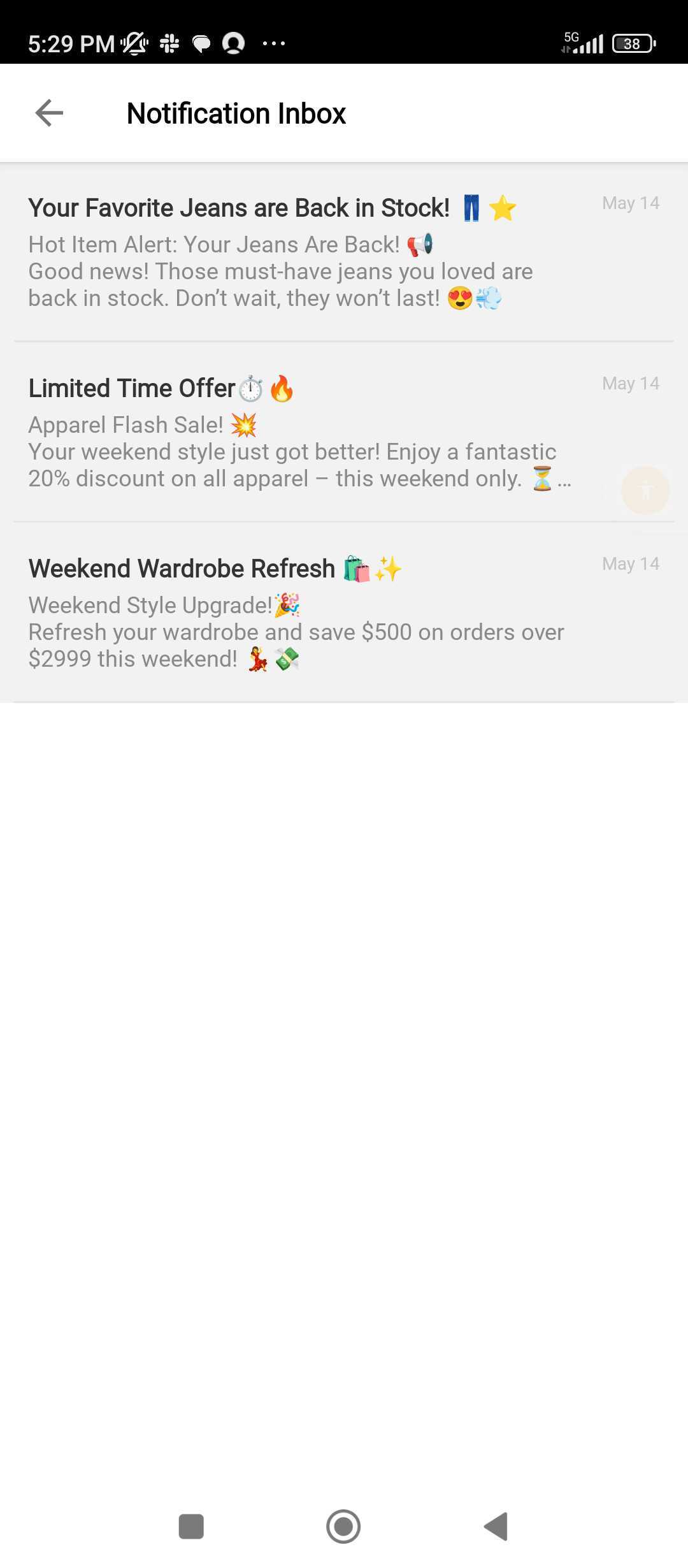 | 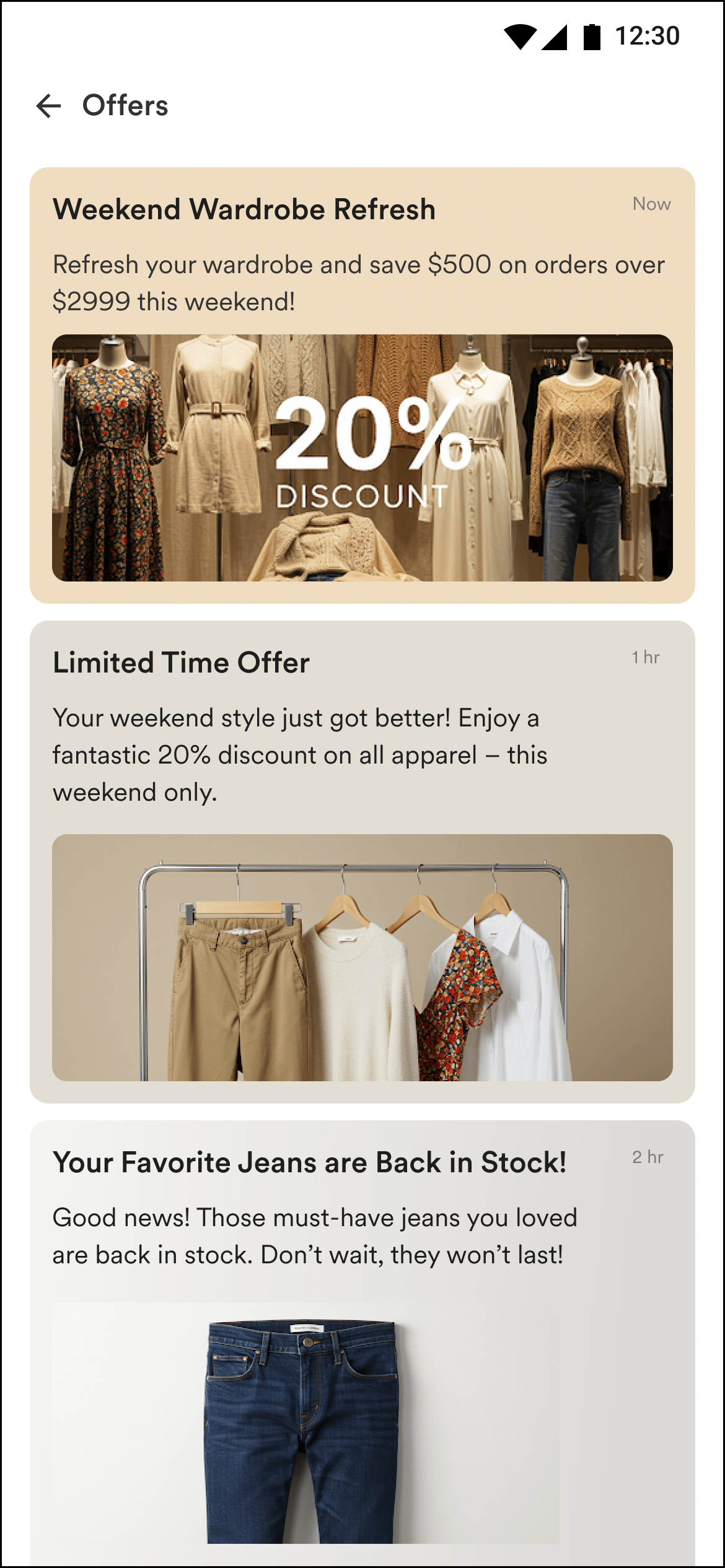 |
|
|
Benefits
- Persistent content: Users can interact with push notifications inside the app, even after they are dismissed from the notification drawer.
- Interaction data: Interaction done within the notification center can be tracked on the MoEngage dashboard.
- Non-intrusive: Notification center content appears as a native part of the user’s app experience and is non-disruptive. This increases user receptivity, resulting in better engagement.
Use Cases
- Offers and Promotions
- Gamification and enrolment in contests
- Reminders and tips
- Changes to policies and terms and conditions
- Transactions and service updates
- Cart or wishlist reminders
- Recommendations
Push Notification Center Capabilities
These capabilities apply to both notification center types unless stated otherwise.
Notification Center Placement and Delivery
You can use one of the following methods to display the Notification Center to your users on your application:- MoEngage Push Notification Center
- Self-Handled Push Notification Center
MoEngage Push Notification Center displays push notifications as a feed in the users’ notification center or inbox.
Next Steps
To integrate the Notification Center in your app:- MoEngage Push Notification Center
- Self-Handled Push Notification Center